




Production data and model conversion Your details are trapped in 2D. Your platform was bought to free them.
Twenty years of AutoCAD details is an asset – and a cage. Every new job redraws what the shop already solved in 2009, because the solved version lives on a sheet, not in a model. You bought Microvellum or Cabinet Vision to fix that. Then production stayed too busy to do the migration. Familiar?
What we convert
Drawing sets → production data. Once parametric, the same model produces elevations for the architect and cut lists for the machine. One source, both outputs, no re-entry. Cut Lists & CNC-Ready Data
Standards → templates. Your title block, layer standards, annotation styles and schedules set up properly in the platform, so every job starts at your standard instead of drifting from it.

How an engagement runs
We start with your ten most-repeated units – the ones that appear on every second job. Converted, verified against built work, and released into production with your team. Then the next ten. Within a few cycles the library covers most of your throughput, and redrawing 2009’s desk becomes a memory.

Working inside your environment
We work inside your existing Microvellum or Cabinet Vision environment – your licenses, your library structure, your conventions – so everything we build is yours, on your system, from day one.
For deep library and template architecture programmes we’ll scope honestly against your setup after seeing it; where a scope is ahead of what we’ve proven on your account, we’ll say so and stage it.
Scope a conversion
Send your top 10 repeat units.
Scope a conversion – send your top 10 repeat units
Selected work
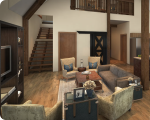
Legacy libraries, converted
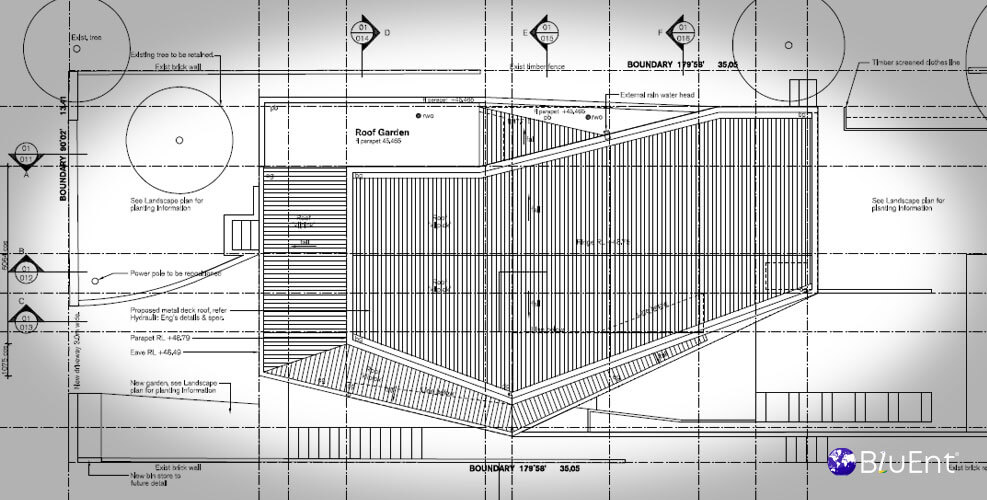
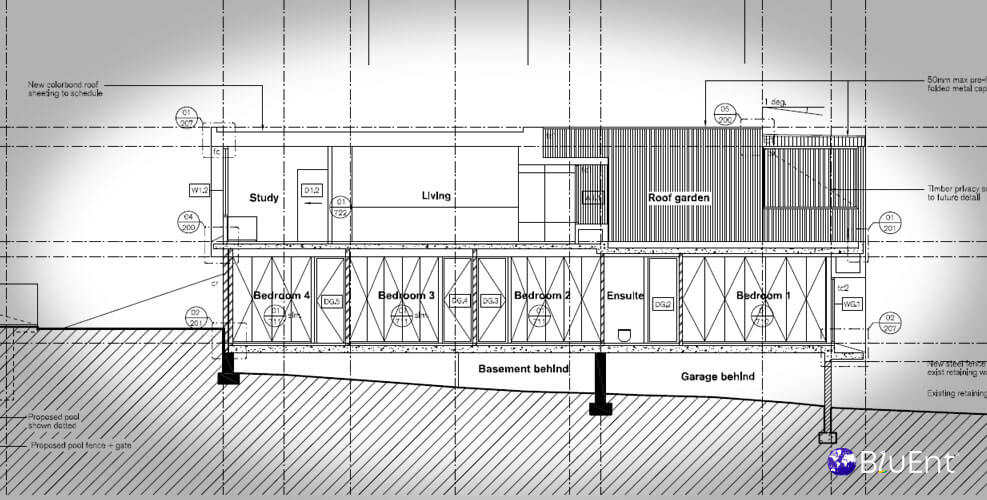
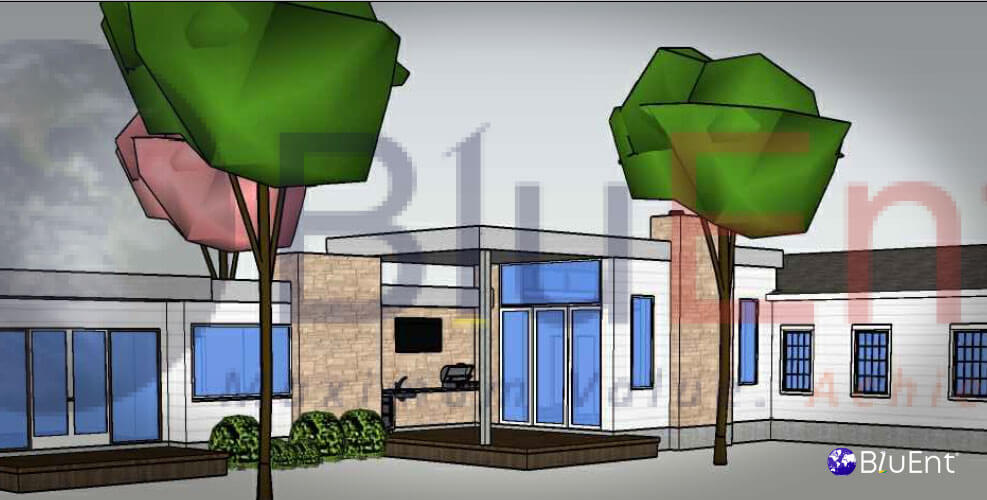
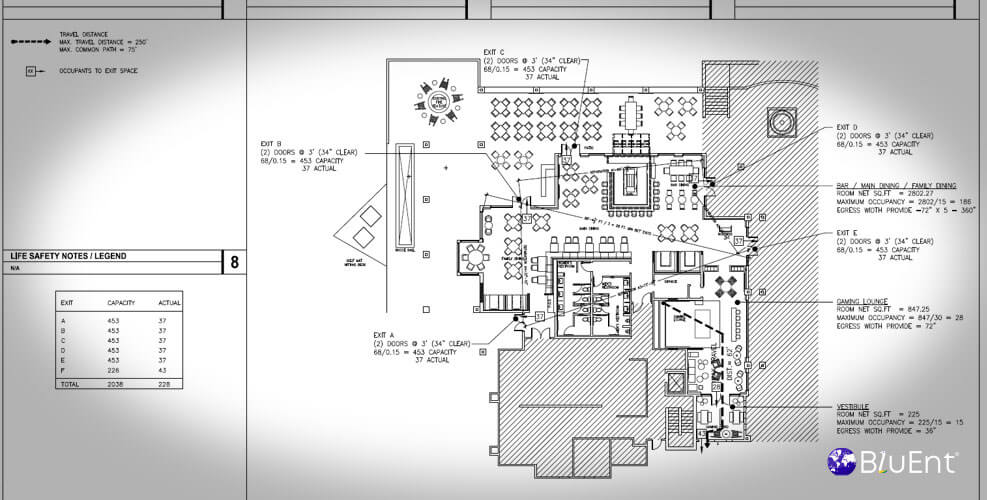
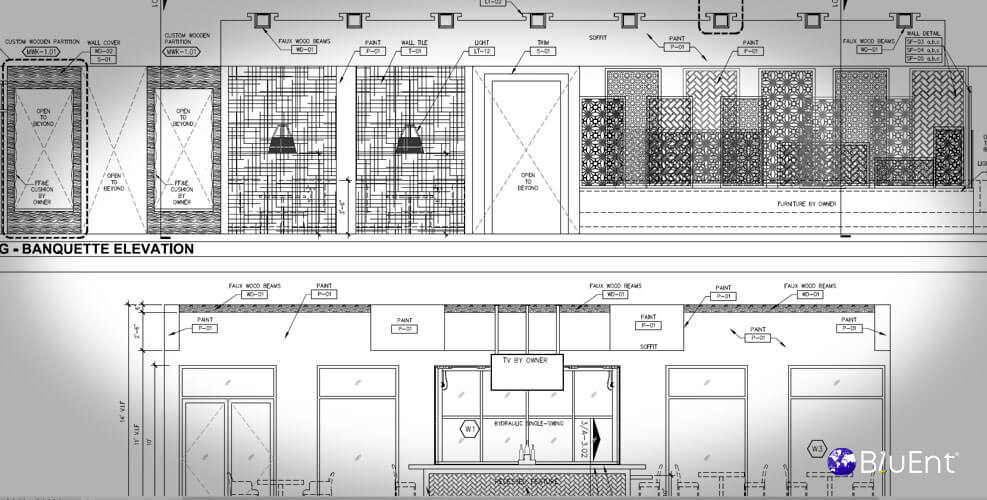
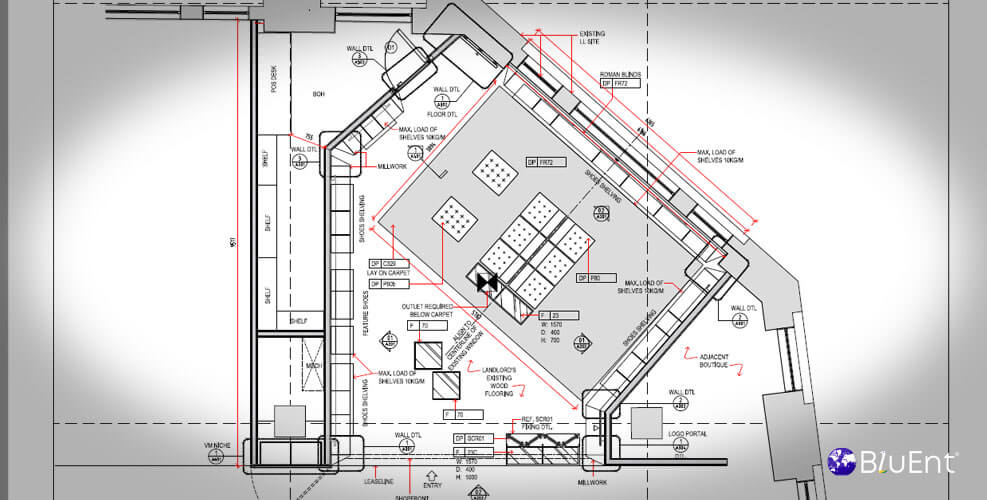
See how a library was converted
Real project outcomes from BluEnt’s broader portfolio.
Quick enquiry
Have a legacy library sitting unused?
Send the basics. The right next step can follow.
Read by someone who works in the target platform, not a sales desk.
Where to go next
Related pages
Sub-service
Platforms and capability
Before engaging
The solved version lives on a sheet, not in a model. Conversion moves it.
FAQ
Frequently Asked Questions
Which platforms?
Microvellum and Cabinet Vision primarily; SolidWorks/SWOOD for complex and mixed-material work; Revit for coordination-driven casework.
Do we need to buy anything?
No – this runs on your licenses and your environment. If you’re pre-purchase and comparing platforms, we’ll tell you what we see across shops, but the buying decision and the reseller relationship stay yours.
What about our one-off custom work?
Conversion pays on repetition. Bespoke one-offs stay drawn per job – usually in the same platform, so the standards still carry.
Scope a conversion
Send your top 10 repeat units. A read on what’s worth converting comes back.
Scope, queries and an honest read on the schedule, before any commitment.
- Conversion pays on repetition – identified before any work begins
- Built inside your existing licenses and environment, on your standards
- One named contact, not a general queue
- A library not worth converting is stated up front, not sold anyway
Not sure where to start? Book a production readiness audit →
Project enquiry
Scope and questions come back, not a template.